


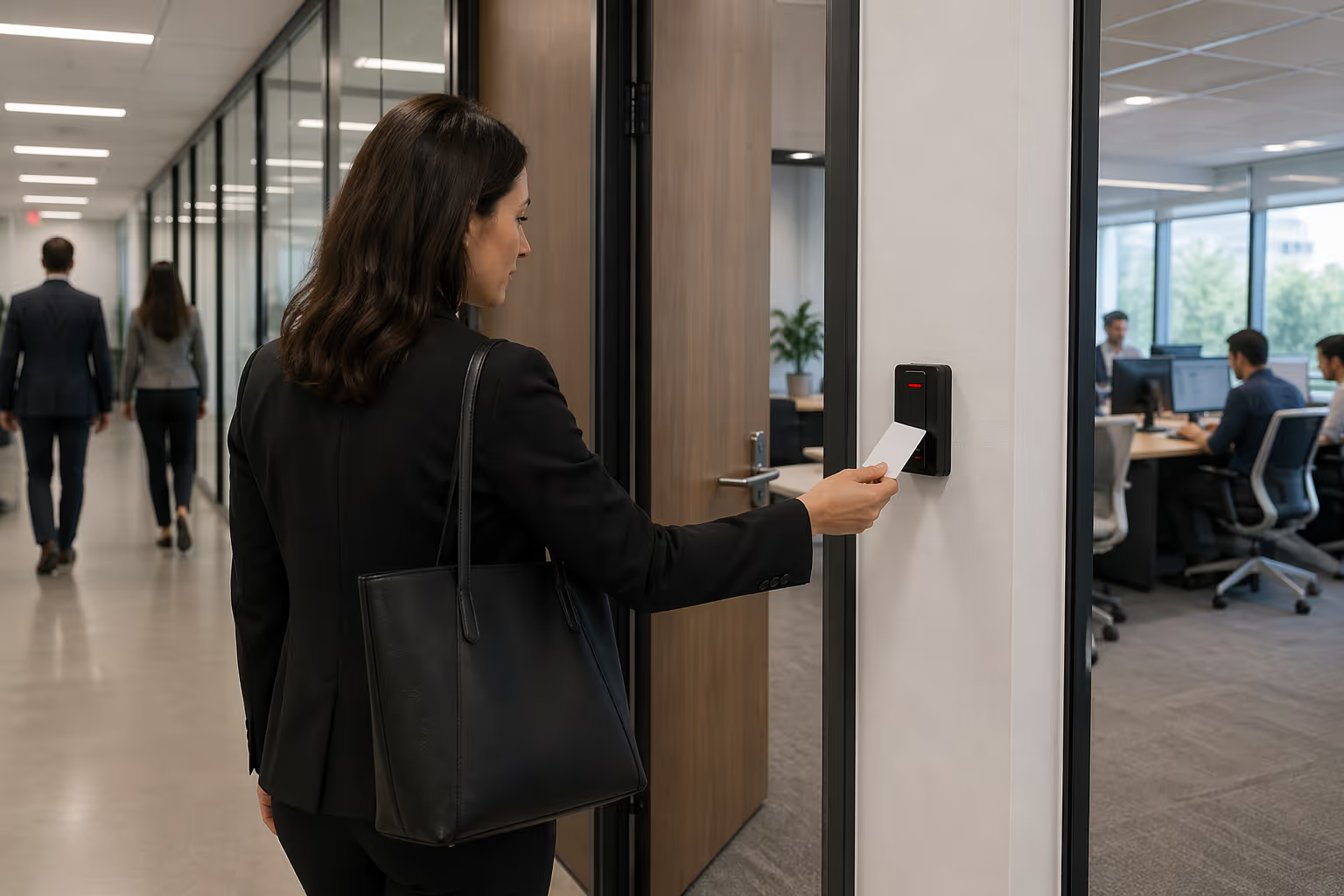

Security Has Evolved
If your organization is still relying on 125 kHz proximity cards, your security may be more vulnerable than you think. These legacy credentials were designed decades ago—long before today’s threats—and can often be cloned in seconds using widely available tools. The result? Increased risk of unauthorized access, data breaches, and costly liability.
Upgrading to 13.56 MHz high-frequency DESFire EV2 credentials is a smarter, future-ready approach—one that prioritizes security, flexibility, and long-term value over short-term cost savings.
Good → Better → Best
- Good: 125 kHz proximity cards (unencrypted, easily duplicated)
- Better: 13.56 MHz iCLASS (enhanced security, limited encryption)
- Best: DESFire EV Series (AES-128 encryption, mutual authentication, dynamic communication)
Can you afford not to upgrade?
Scroll down to find helpful tools and take the first step to learn more about how you can affordably migrate to a future-ready access control system today.

Why Upgrade Now?
DESFire EV Series credentials use advanced AES-128 encryption and mutual authentication to protect against cloning, sniffing, and interception. This dramatically reduces your exposure to security breaches and unauthorized entry.

Modern credentials do more than open doors. With DESFire EV2, a single credential can support multiple applications—access control, time and attendance, cashless payments, parking, and more. It also enables seamless migration to mobile credentials using NFC or BLE, making it ideal for smart campuses and enterprise environments.

You don’t need to replace your entire system to upgrade. Many organizations adopt a phased migration strategy using dual-technology readers that support both 125 kHz and 13.56 MHz credentials. Start with high-risk users or sensitive areas, and expand over time—minimizing disruption and maximizing ROI.

When you factor in the potential cost of a security breach—legal exposure, reputational damage, operational downtime—the answer becomes clear. Upgrading isn’t just an expense; it’s an investment in protection and peace of mind.
Download our guide to discover key benefits of upgrading readers and credentials for stronger security, efficiency, and future readiness today.
Downloads
.svg)
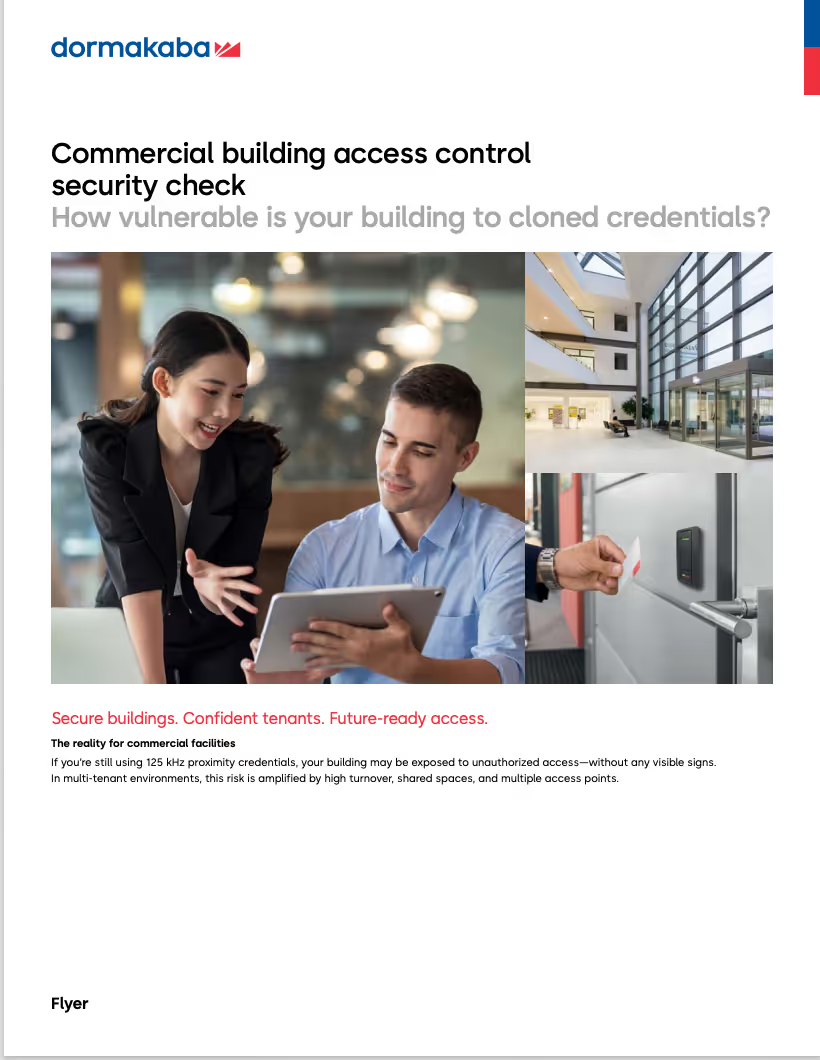
Assess your business vulnerability to credential cloning with this quick checklist. Identify risks and understand where legacy access control systems may be exposing you to security threats.
* Requires Email Signup

Download our migration planning toolkit to simplify upgrading readers and credentials, reduce risk, control costs, and ensure a smooth, future-ready transition.
* Requires Email Signup

Every day you delay upgrading security, hidden risks continue to cost your business money. Download our Cost of Inaction Calculator to uncover the real financial impact of doing nothing — and see how quickly proactive decisions can protect your budget, operations, and long-term growth.
* Requires Email Signup
Calculator
Cost of Inaction Calculator
Every day you delay upgrading security, hidden risks continue to cost your business money. Download our Cost of Inaction Calculator to uncover the real financial impact of doing nothing — and see how quickly proactive decisions can protect your budget, operations, and long-term growth.


Contact us
Alternatively,
you can reach us directly at 1-888-539-7226
.Support hotline hours: Mon-Fri, 8:30am-7:00pm ET.

Talk to an expert
Contact us
The dormakaba Security Support Center is a resource for your security questions.Send us a message and we’ll get back to you promptly.
Alternatively,
you can reach us directly at 1-888-539-7226
.Support hotline hours: Mon-Fri, 8:30am-7:00pm ET.
